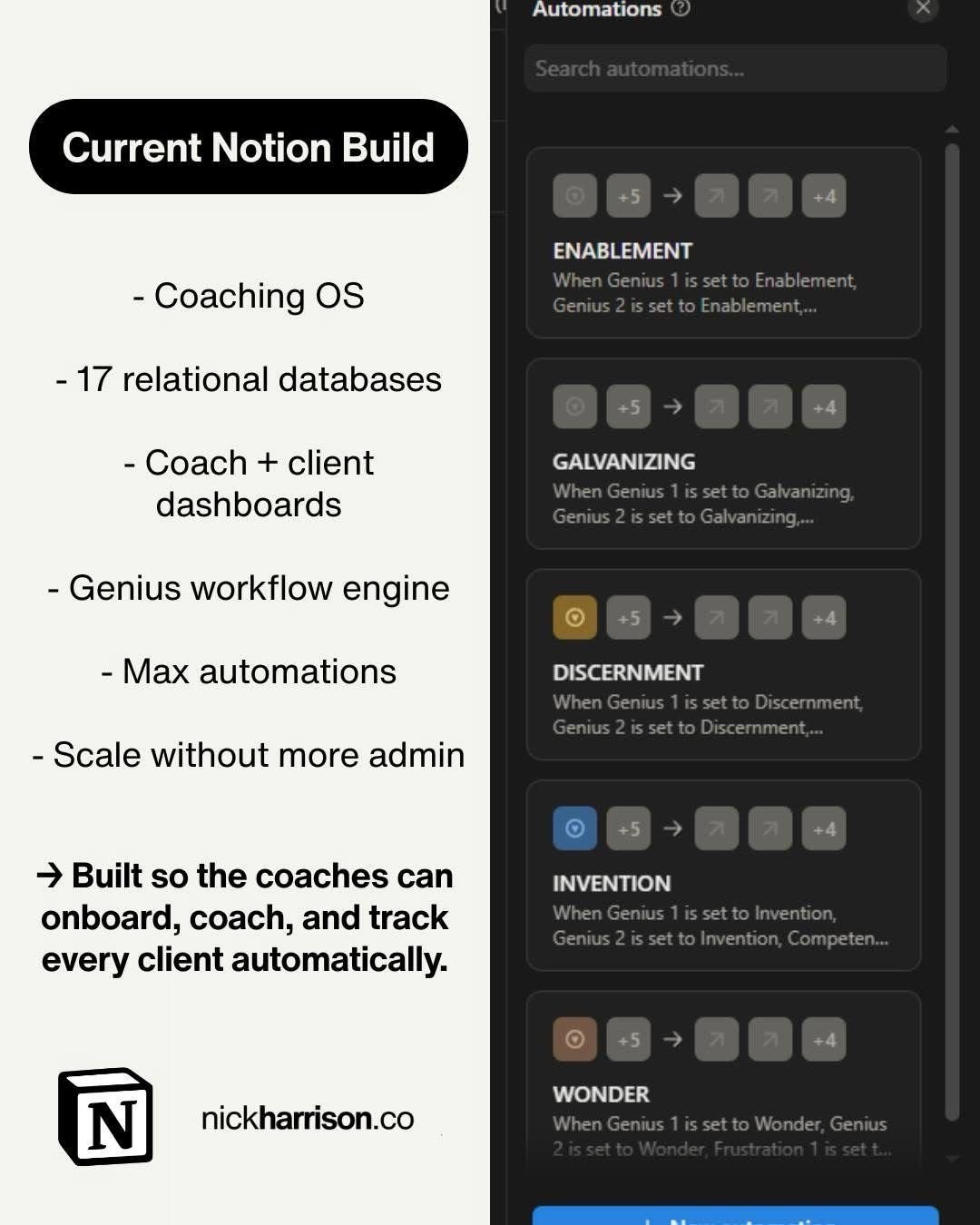
Feels good building something this scalable!
I’m knee deep in a Notion build that’s bigger than anything I’ve done before, and I’m having a ball.
Not because it looks pretty. Because it’s the first time I’ve watched a system start to behave like a real operating engine.. the kind a business can actually scale with.
Every day I’m learning new features, pushing the limits, and realising how far you can take Notion when a business genuinely commits to building systems properly.
What “scalable” actually means in Notion
Most people hear scalable and think “more pages” or “a nicer dashboard”. That’s not scalability.
Scalable means the system still works when you add more clients, more team members, more services, and more complexity. And it still works without someone manually stitching everything together behind the scenes.
In Notion, scalability is less about aesthetics and more about repeatability. Same inputs, same structure, same outputs.. every time.
The build I’m working on
This one’s for a coaching company. The goal is simple to say but hard to execute well. Coaches need to onboard clients, coach them, and track progress in a way that feels automatic and effortless.
That “effortless” feeling comes from what sits underneath. In this case, it’s 17 connected databases, custom dashboards, workflow engines, and automations that keep the whole thing moving. The point isn’t the number 17.. it’s that every database has a clear job, and everything connects cleanly.
Why connected databases beat dashboards
Dashboards get all the attention because they’re visible. But dashboards don’t run a business.. data does.
If your information lives in disconnected pages, you’ll always hit a ceiling. People duplicate details, lose the latest version, and spend time just keeping things tidy. That’s fine when it’s one person and five clients. It breaks when it’s a team and fifty.
When the data lives in connected databases, something changes. A coach logs a session once and progress updates everywhere. A client completes a form and the right tasks appear. A manager wants a quick overview and it’s already there. The system starts creating leverage instead of creating admin.
The simple pattern behind scalable Notion systems
The pattern is always the same. First, define the core objects. For coaching that usually looks like clients, coaches, programs, sessions, tasks, and outcomes. Decide what “truth” looks like for each one, and store it properly in databases.
Next, connect those objects so the system can roll up insights instead of you rewriting them. That’s where Notion starts to feel powerful.. because the system can surface, summarise, and organise information automatically.
Only after that do you design the dashboards. At that point dashboards are just curated views of a clean engine. If you reverse the order, you can still build something that looks good.. but it won’t scale.
Where automations actually help
Automations aren’t the starting point. They’re the payoff.
Once the structure is right, automations become obvious and genuinely useful. You can trigger consistent workflows off real events.. a new client being added, a phase being marked complete, a weekly check in being due.
That’s when the system starts doing the repetitive work for you. It’s also when teams actually adopt it.. because the system feels lighter, not heavier.
The takeaway
Feels good building something this scalable because it’s proof that Notion can be more than a notes app. When the engine is right, the business runs cleaner. The team stays aligned. Clients get a consistent experience. And the system doesn’t fall apart the moment things get busy.
If you’re building in Notion and you want it to scale, don’t start with the dashboard. Start with the data engine, connect it properly, then let the UI sit on top.
If you want help building a Notion system like this for your firm, that’s exactly what I do here: https://www.nickharrison.co/notion